

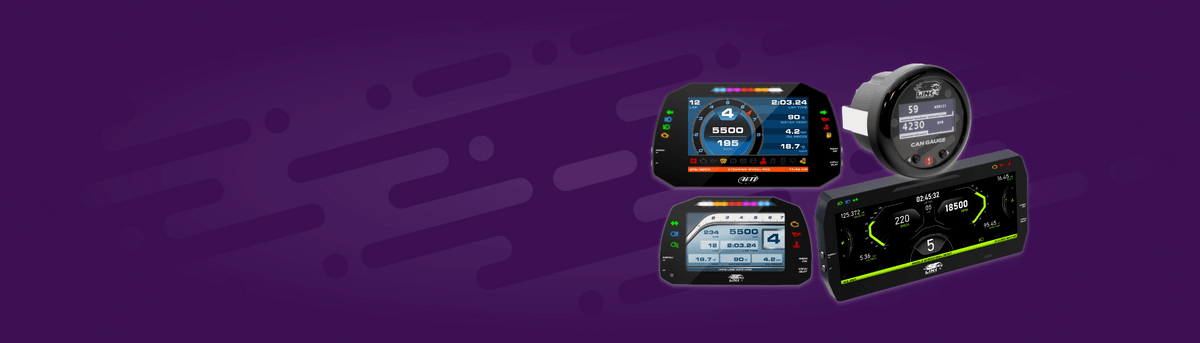
Displays for Every Build
LinkECU offers a range of display options to suit your needs, from 2” digital gauges through to 5”, 7” and 10” high-contrast TFT displays.
The Link CAN Gauge is a compact OLED display delivering real-time data from your Link ECU via CAN. View key parameters, configure multiple layouts across pages, and set custom warnings with LED alerts. A high-contrast screen ensures clear visibility day or night, while a free mobile app enables fast, wireless configuration.
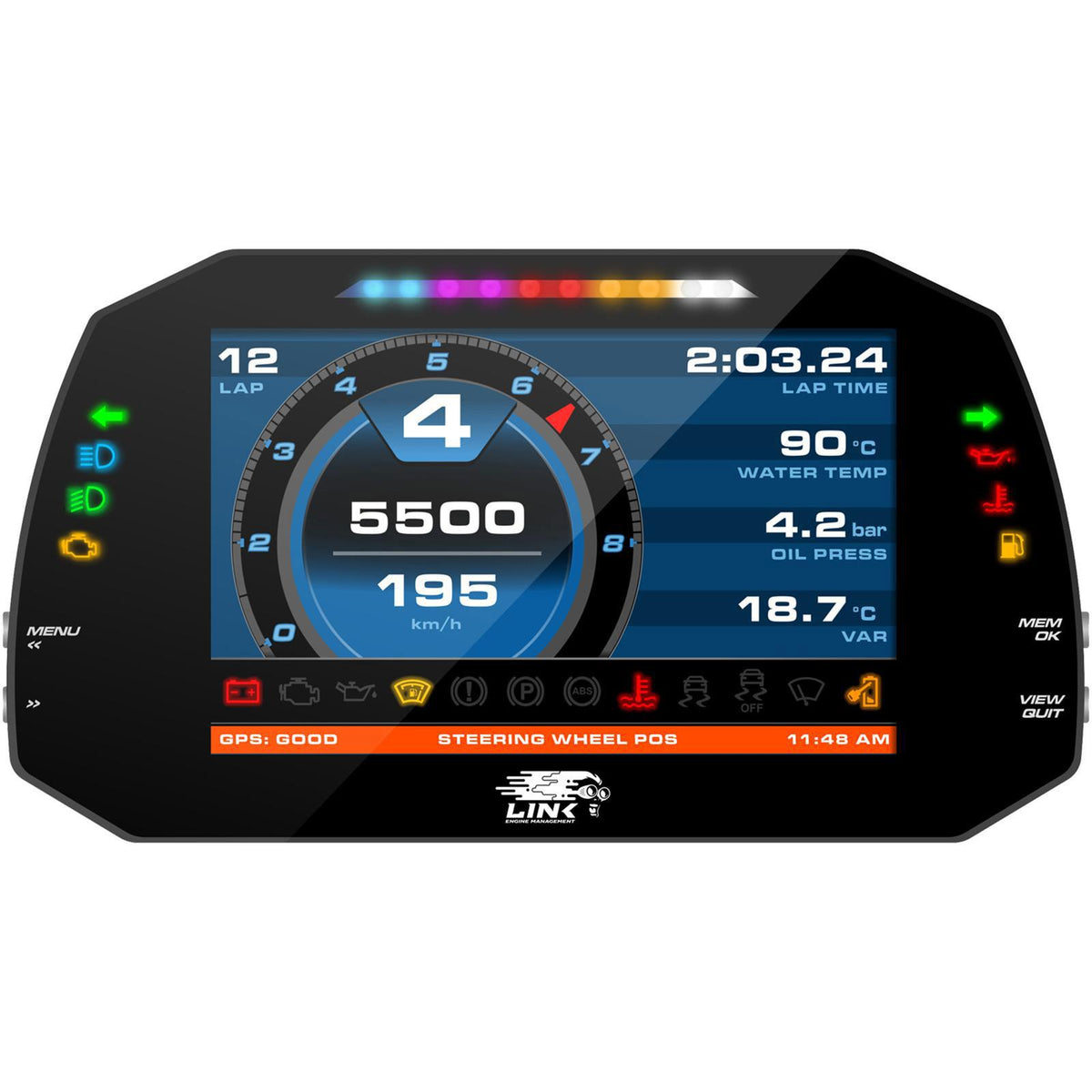
For advanced display capability, LinkECU has partnered with AiM Technologies in Italy to deliver the MXS Strada 5”, MXG Strada 7” and MXT Strada 10” displays. These full-colour displays offer high-contrast TFT screens, 10 RGB Shift Lights, street or race icons, configurable layouts, flexible warnings and GPS overlay via an external GPS unit. Each display is pre-loaded to accept the Link ECU CAN Stream, simplifying set-up. Simply enable the dash in PC Link and the system communicates instantly, delivering accurate real-time data.
From basic monitoring through to professional-grade data visualisation, every display integrates seamlessly with Link ECU systems, giving you the flexibility to choose the right solution with confidence.
Range of LinkECU Displays
A range of displays to suit you and your build, from compact 2" CAN Gauge to full-colour ", 7" and 10” dashes.
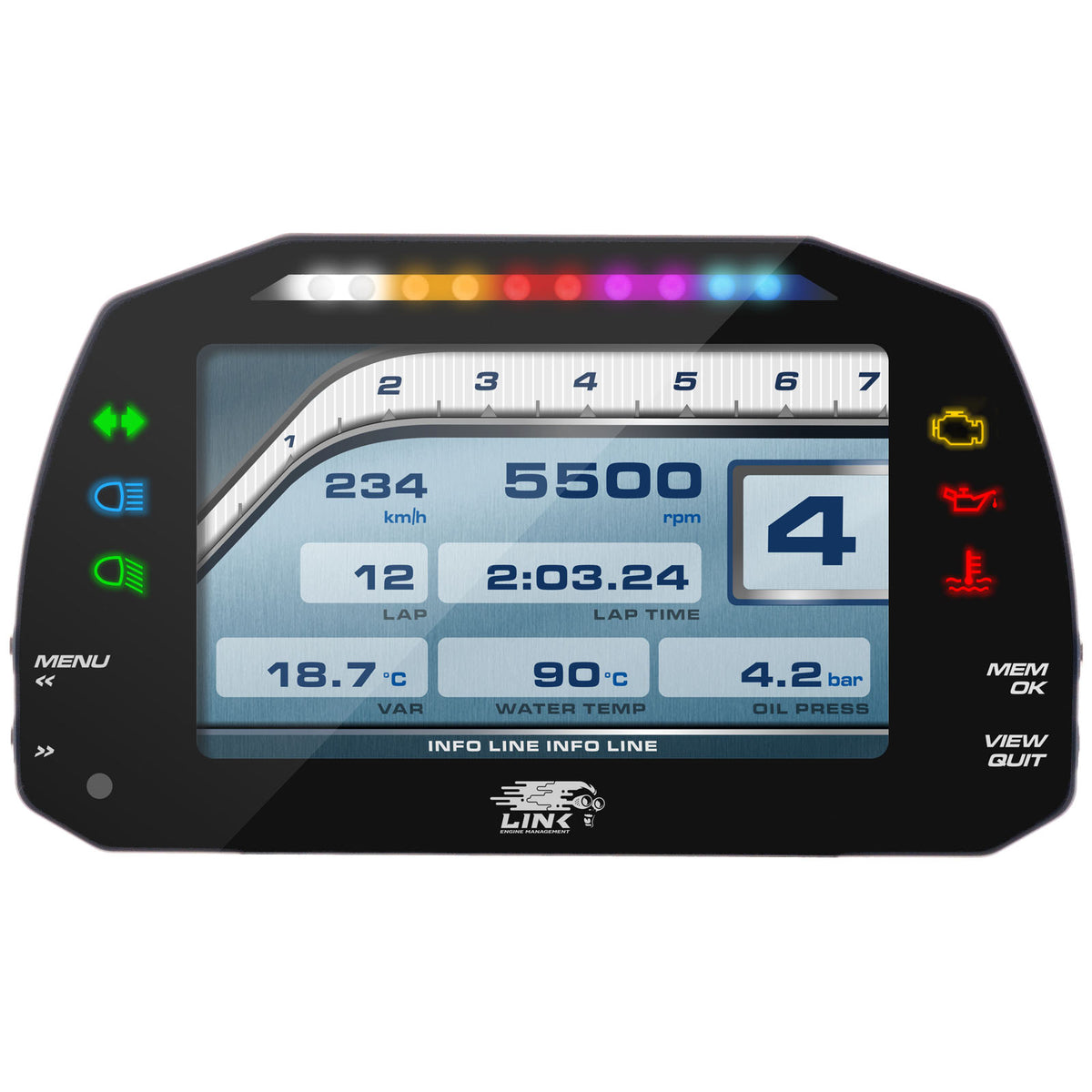
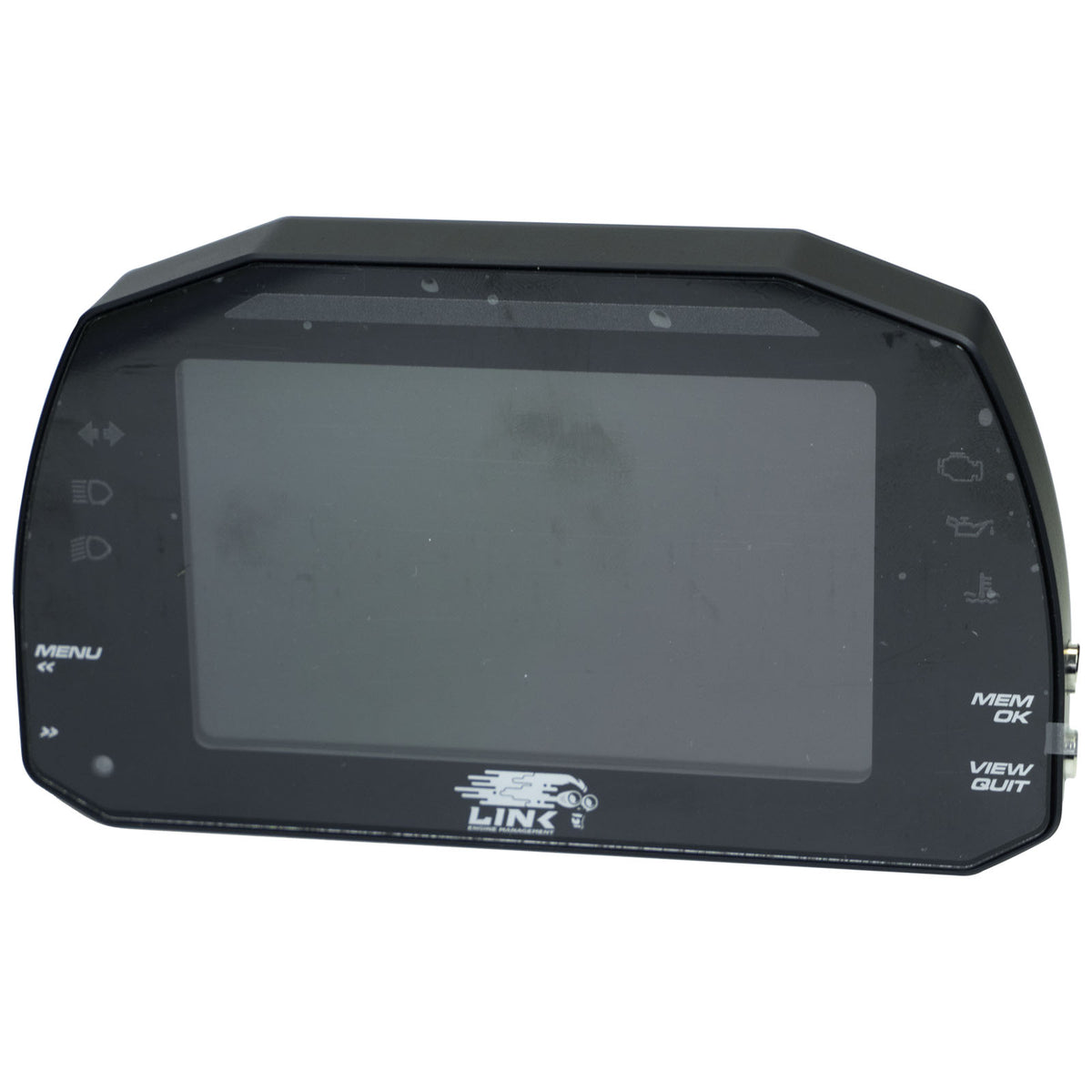
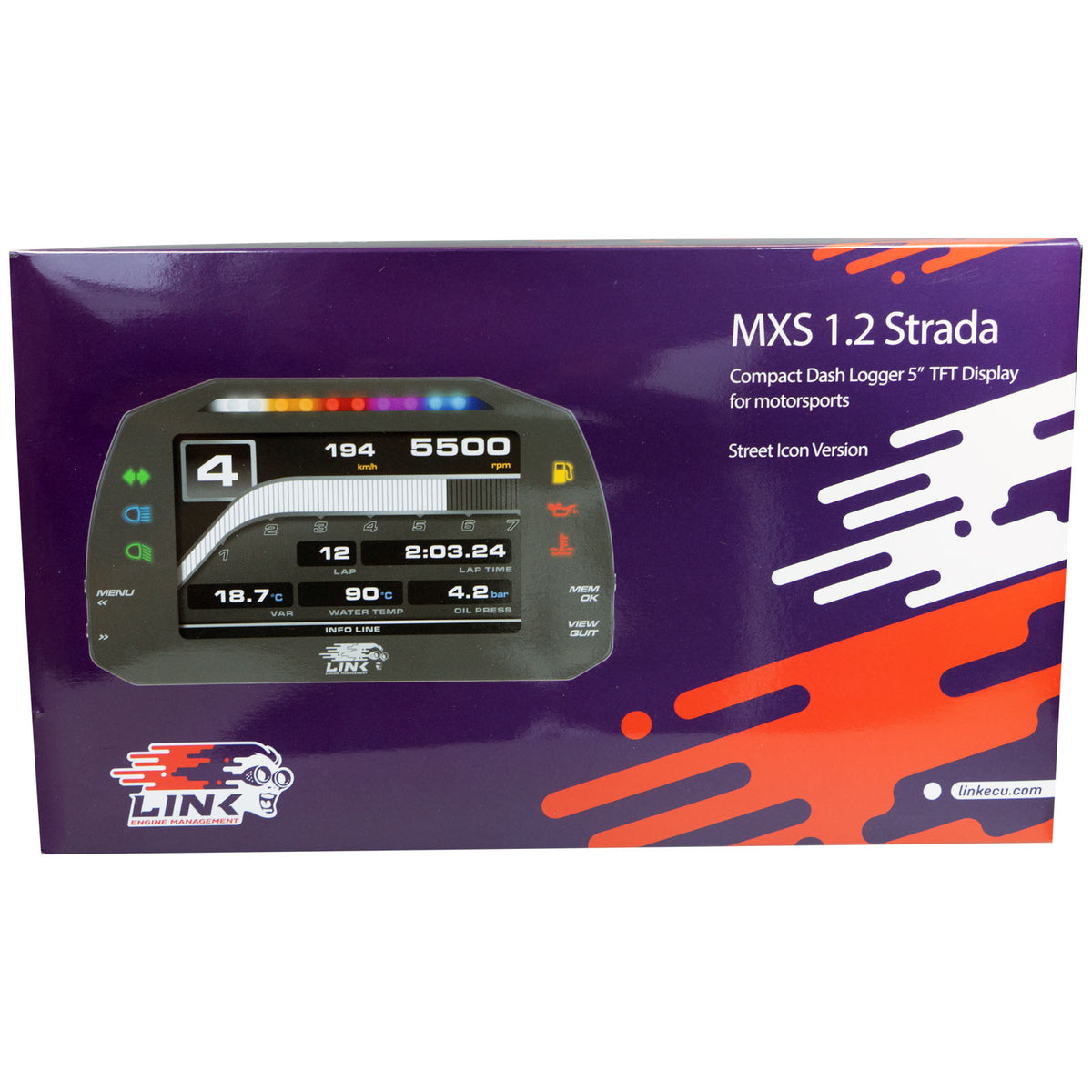
AIM 5" Dash MXS 1.2 Strada Street Edition
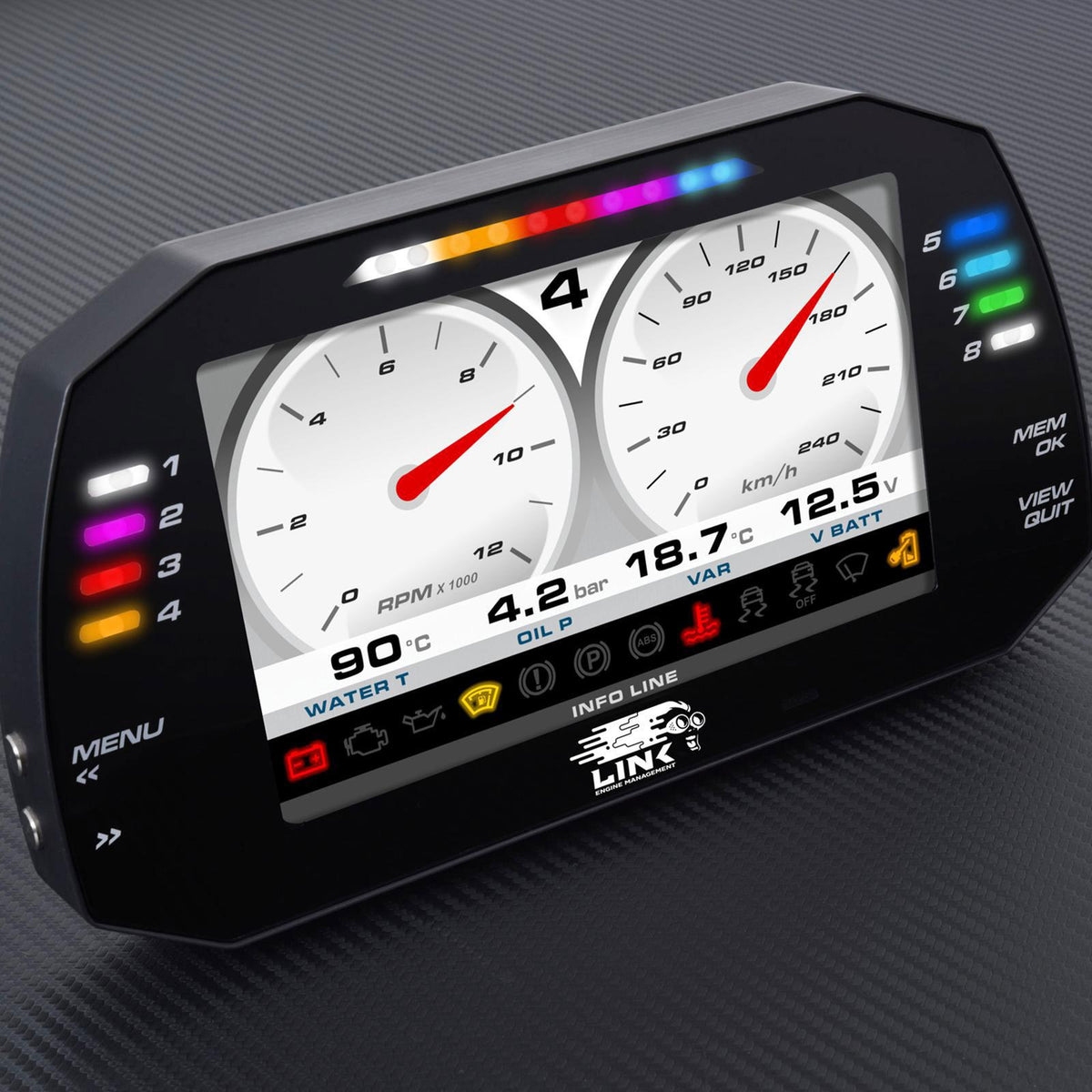
AIM 7" Dash MXG 1.2 Strada Street Edition
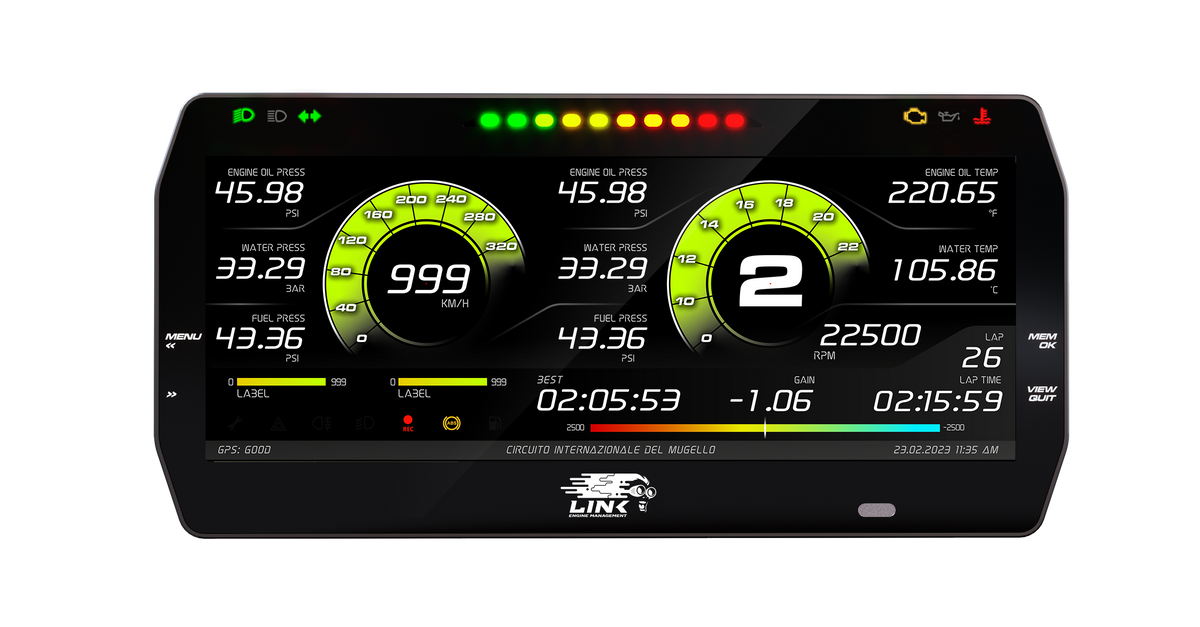
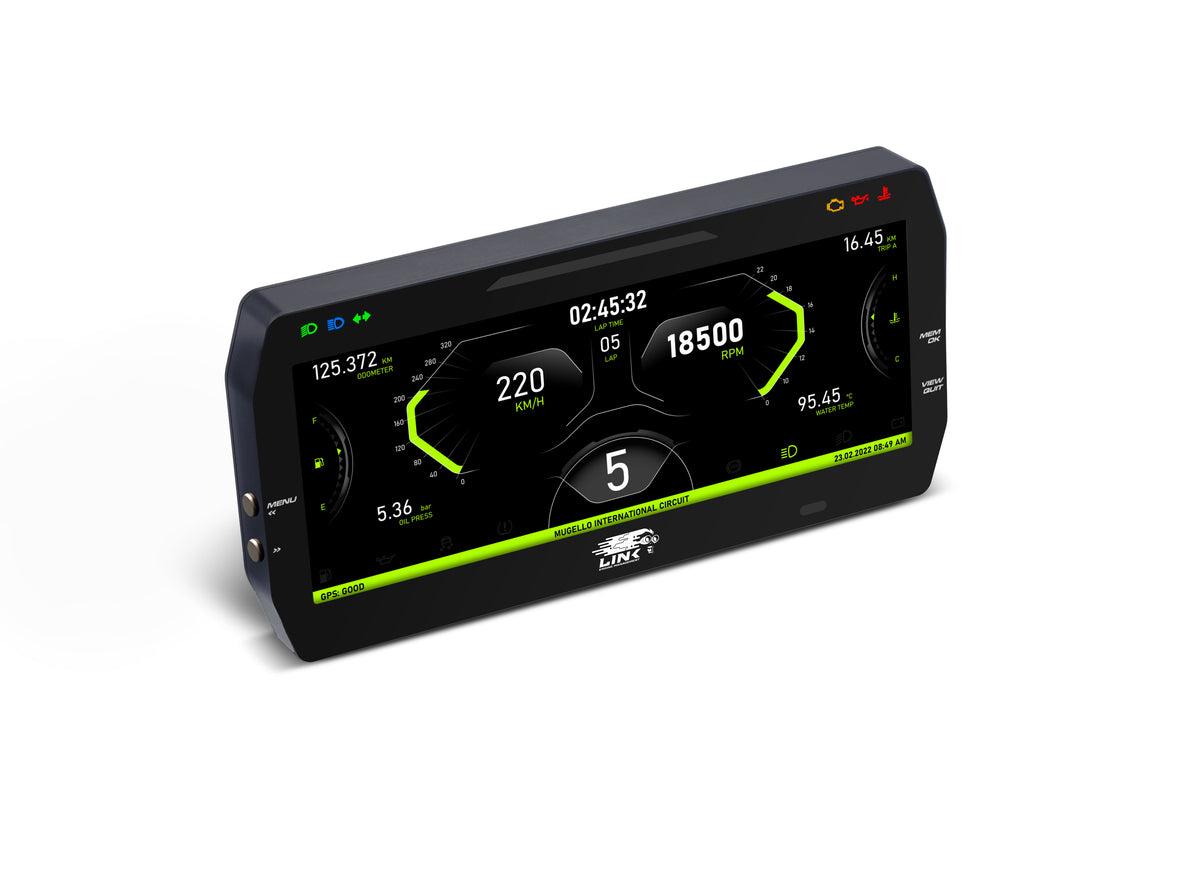
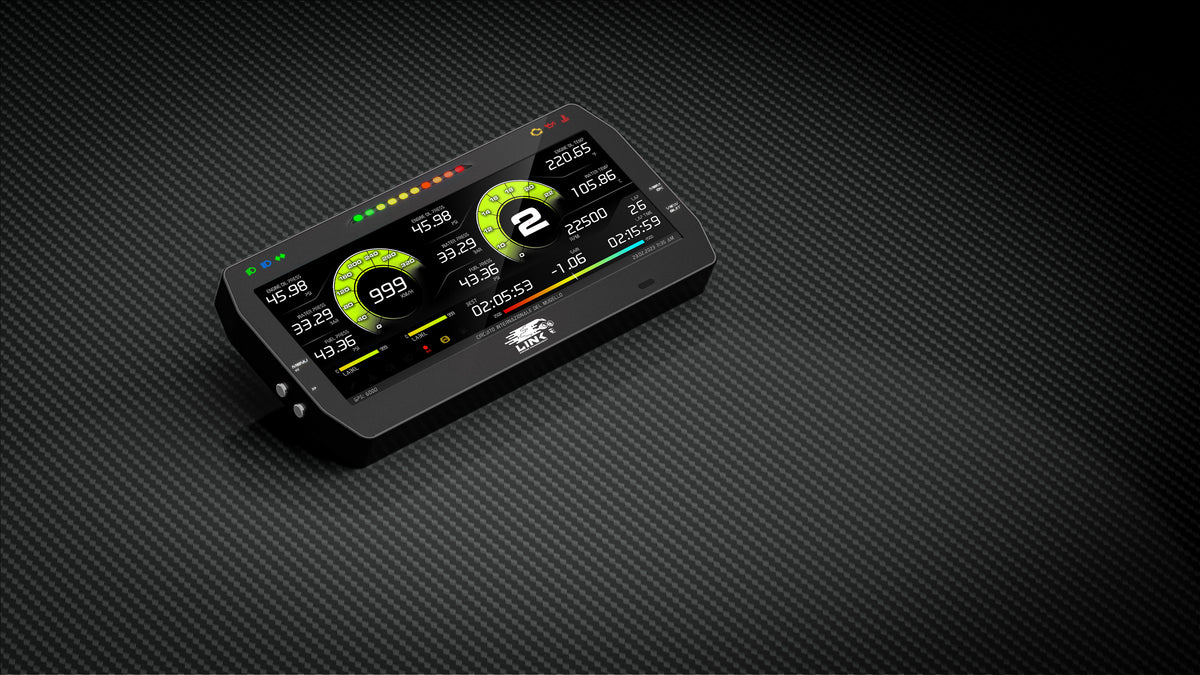
AIM/Link 10" Dash MXT Strada Street Edition
Street Version vs Race Version
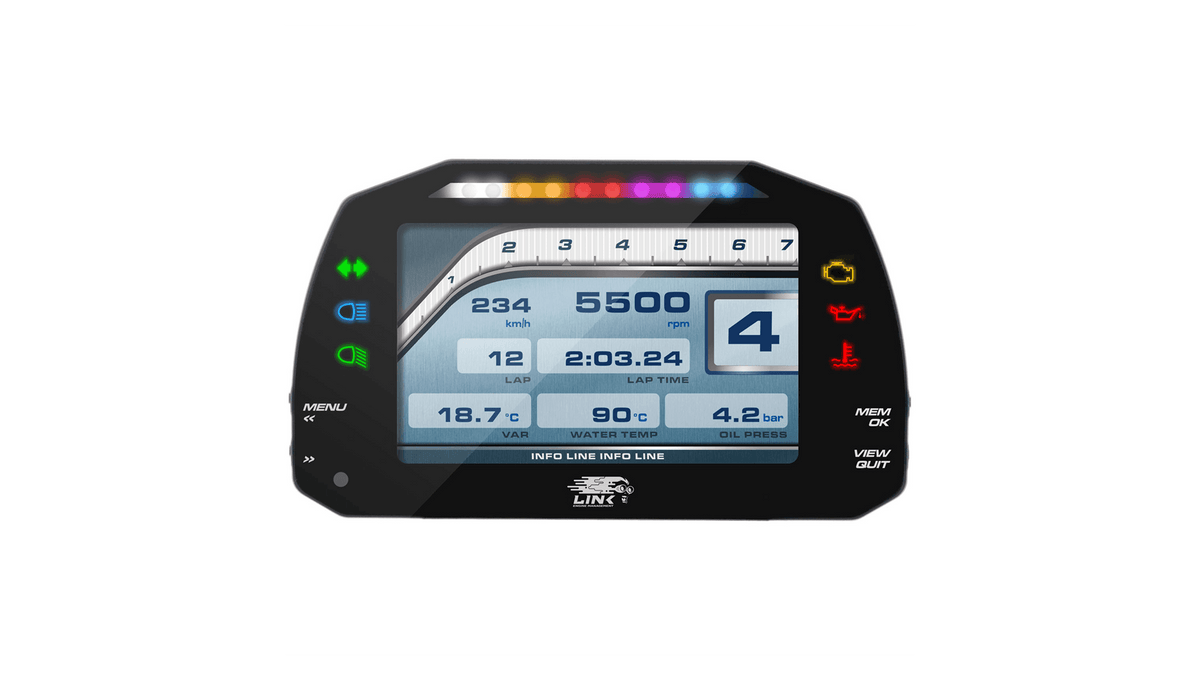
Street Version
- Street versions feature six to eight fixed RGB LED icons on the side of the screen, providing standard vehicle status indication. These include indicator, headlight, high beam, check engine, oil pressure and temperature warnings.
- Integrated speed, RPM, odometer and trip functions ensure legal compliance with road use requirements.
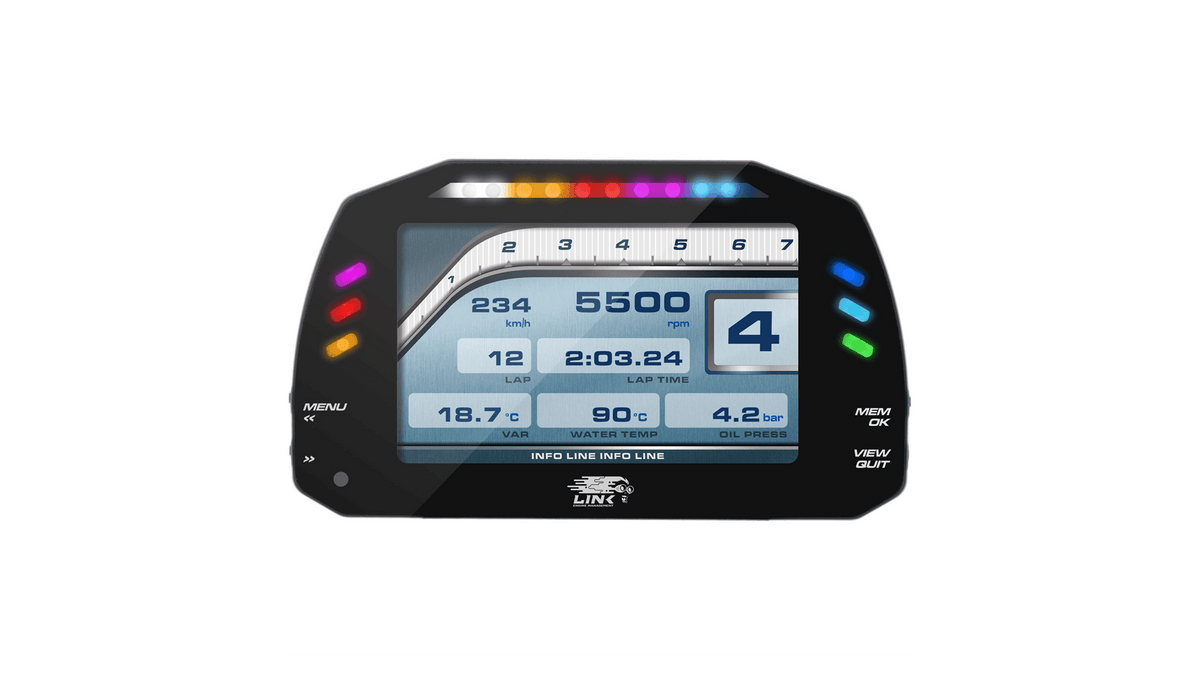
Race Version
- Race versions feature six to eight configurable RGB LED icons on the side of the screen, providing high-visibility warnings.
- Each icon can be configured by condition and colour, with alerts configurable as solid or flashing and adjustable frequency.
Other display options
Tablet
If you would like to use a tablet as a Dashboard, it is possible. However, the tablet needs to use Windows OS (not Windows RT), and ideally have a separate power supply for charging. The app RealDash is compatible with Link ECUs if you wish to use this.
Other Dashes
It is possible to use other brands of Dashboard displays to display information directly from your Link ECU. To find out out if the dashboard is compatible with a Link ECU, please contact the Dash Manufacturer and ask if it is set-up for Link CAN stream.
OEM Gauges
It is possible to use your Link ECU to control the factory gauges from a Plug-in ECU, via the tachometer feed from an Aux output of the ECU. If you are having issues getting your OEM tachometer or gauges to display correctly, refer to the PC Link Help File or the Forums.